Guide
Shopify AI Agent Readiness Checklist (2026)
Last updated 1 November 2026
Short answer: AI shopping agents pick stores they can reach, read and trust. Let them in through robots.txt, give every product complete structured data (price, stock, barcode, brand, a factual description with specs), put the price in the page's HTML near the top, and state your return window and delivery times in days. Each item below says why it matters and how to fix it on Shopify.
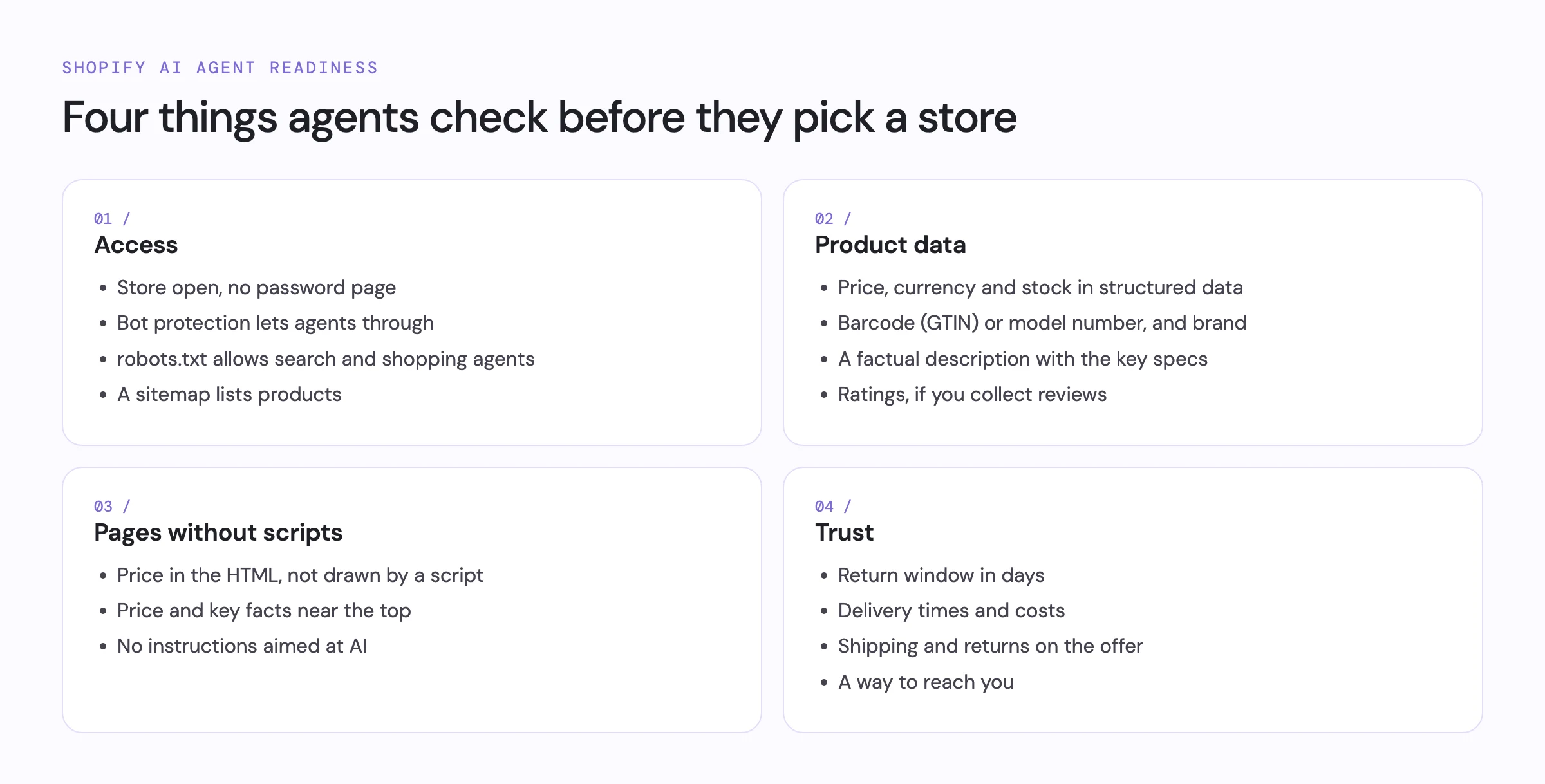
1. Access: can agents reach the store?
- The store is open. Agents can't see products behind a password page. When you launch, remove the password in Online Store › Preferences.
- Bot protection lets agents through. Some firewalls and bot-protection services answer agents with a challenge or quietly drop them, so the store looks offline. Allow known search and shopping agents.
- robots.txt allows search and shopping agents. Most AI agents and search crawlers obey robots.txt.
Check yourstore.com/robots.txt: rules under
User-agent: *or under agents such as OAI-SearchBot, ChatGPT-User, PerplexityBot, Claude-SearchBot or Googlebot shouldn't disallow your products. Blocking model-training crawlers such as GPTBot is a separate choice that doesn't stop agents from shopping. - A sitemap lists your products. Crawlers use it to find product pages. Shopify publishes one at yourstore.com/sitemap.xml.
2. Product data: what agents read first
Agents such as Grok, Google and catalog crawlers read a product page's structured data (schema.org Product in JSON-LD) before anything else. Without it they guess from the text, and often skip the product. Most Shopify themes include it; some page builders drop it.
- Price and currency. Agents compare prices across stores, and a missing or different price gets the product dropped. Every offer needs a price and currency that match the page.
- Stock status. Agents check a product can actually be bought before recommending it. Each offer needs an availability: in stock, out of stock or backorder.
- GTIN (barcode) or model number. Agents match the same product across stores by barcode or model number, not by title. Fill in each variant's Barcode field in Shopify, or at least a manufacturer part number.
- Brand. Shoppers ask for brands by name, and agents filter on it. Set the vendor or brand.
- Images. Agents show the product's image when they present their picks.
- A factual description. Agents read it to answer shoppers' questions, and a line of hype answers none. Write at least a few sentences on materials, sizes and use.
- Specs in the description. Shopify's built-in agent endpoint, product feeds and many agents get only the title and description. Specs kept in separate fields or tabs never reach them, so the product drops out when a shopper asks for a size, material or capacity. Put the key specs (size, material, weight, capacity, compatibility) in the description as a short list.
- Ratings, if you collect reviews. Ratings and review counts move agents' picks more than anything else a store controls. Make sure your review app adds the rating to the product's structured data.
- One price per product. When a page carries two Product blocks with different prices, agents can't tell which is right. Keep one.
3. Pages: what agents get without scripts
- The price is in the HTML. ChatGPT search, Perplexity and most fetch tools read the HTML the store sends and run no scripts, so a price drawn by a script is invisible to them. The theme should render it on the server.
- Key facts are near the top. Browser agents read a few screens, and facts far down a long page get cut. Keep the price, stock and key facts above long menus, banners and review widgets.
- No instructions aimed at AI. Agents treat instructions hidden in a page as an attack and may warn the shopper. Give agents the same facts as people.
4. Trust: what agents compare between sellers
- A return window in days. Agents compare return windows, and an unclear policy loses to a clear one. State the window, who pays return shipping and any exceptions in Settings › Policies, linked from every page.
- Delivery times and costs. Agents check the delivery date and the delivered total before they recommend. State delivery times in days and costs, including any free-shipping threshold, per region.
- Shipping and returns on the offer. Agents and Google compare the delivered total and the return window straight from the product data. Add shipping details and a return policy to your offers, or set them up in Google Merchant Center.
- A way to reach you. Agents and shoppers trust sellers they can reach. Link a contact page, email or phone number from the footer.
5. Endpoints for agents
Agents mostly read pages today. Some can also shop through endpoints made for them, such as a Universal Commerce
Protocol (UCP) profile, or ask a store questions through an agent card (Agent2Agent). A few AI tools read
/llms.txt; shopping agents mostly don't yet. These are useful extras, not a replacement for the items above.
Check your store
The free agent check tests every item in this list on a sample of your product pages, in about 15 seconds, and ranks what to fix first. It works on any store platform. On Shopify, Scelto also adds the missing product data for you and shows which agents visit; see features.
Questions
What is AI agent readiness?
How easily AI shopping agents such as ChatGPT, Gemini, Perplexity and browser agents can reach a store, read its products and trust its terms. A ready store lets them in, gives complete product data and states returns and delivery clearly.
Do I need to change my theme to be agent-ready?
Usually not. Most items are settings and product data: robots.txt, barcodes, descriptions, policies and shipping rates. Theme changes are only needed when a theme leaves out product structured data or draws the price with scripts.
How do I check my store?
Run the free agent check at getscelto.com/check. It reads a handful of public pages the way an agent would and lists what to fix first. It works on any store platform.